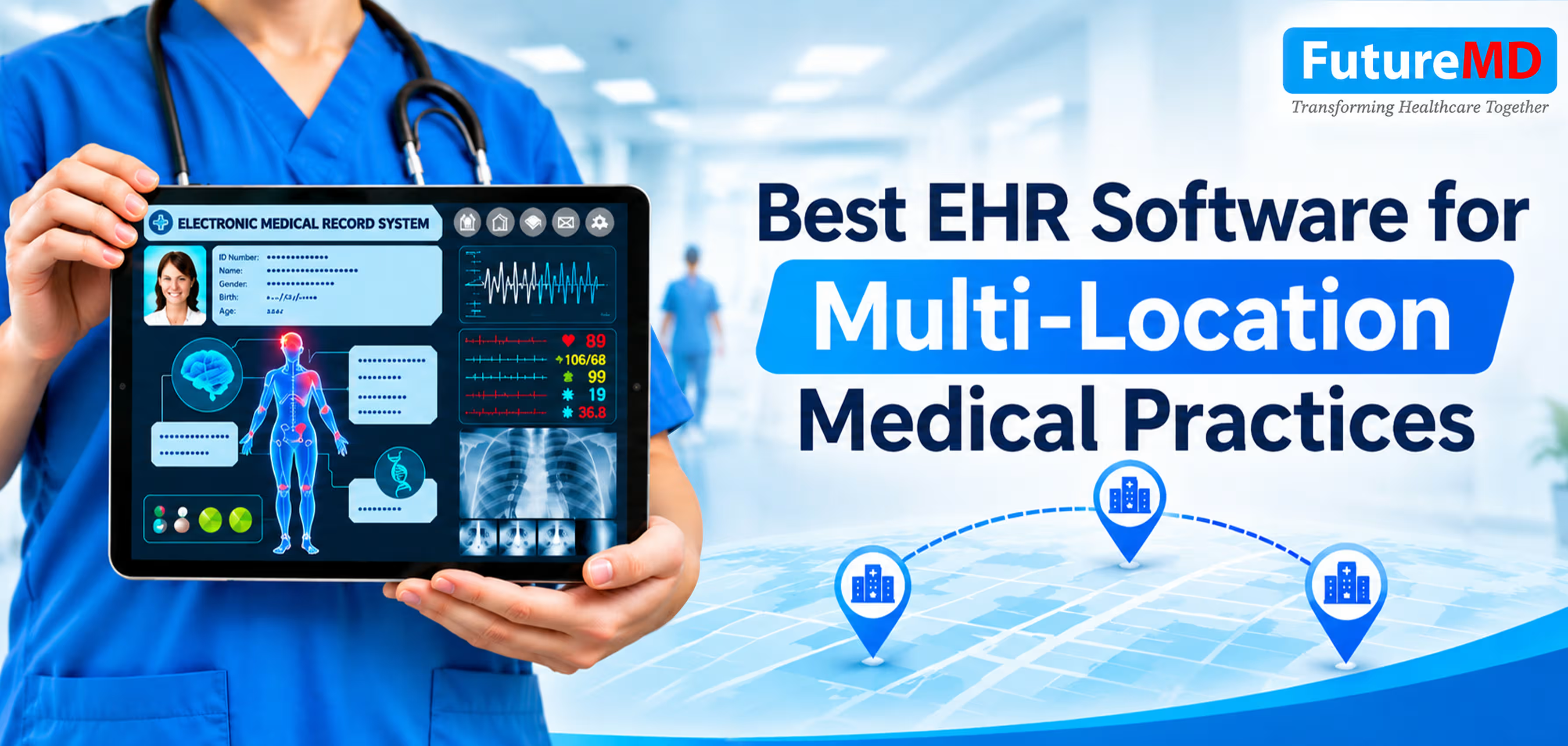
Best EHR Software for Multi-Location Medical Practices
Expanding to multiple clinic locations should increase your practice's capacity, not create more administrative work. But when patient records are fragmented, documentation varies between providers, and financial reporting is disconnected, managing multiple sites becomes difficult.
The right electronic health record (EHR) system helps maintain consistent care, streamline daily operations, and give practice leaders better visibility across locations.
This guide covers the key features to look for in multi-location electronic health records software and how FutureMD’s talkEHR supports growing medical practices.
Why Multi-Location Practices Need the Right EHR Software
A single-site practice may manage with manual workarounds. Across multiple locations, those workarounds can lead to:
- Fragmented patient records that affect continuity of care
- Inconsistent documentation that creates coding and billing challenges
- Delayed lab and imaging results that disrupt clinical workflows
- Limited reporting that makes it harder to track performance across sites
Managing patient information across multiple clinic locations requires more than cloud-based access. Healthcare practices must also consider role-based access controls, real-time data synchronization, interoperability with external healthcare systems, and audit trails that track access to patient records. These capabilities help providers maintain consistent clinical information while ensuring that staff members can access the information appropriate to their responsibilities.
During EHR implementation, practices should also evaluate how patient records are transferred between locations, how duplicate records are handled, and how system downtime is managed. These considerations directly affect clinical workflows, administrative efficiency, and continuity of care.
Features to Look for in Multi-Location EHR Software
The following features can help practices evaluate whether electronic health records software can support their current operational requirements and future expansion.
1. Cloud-Based Access to Shared Patient Records
Cloud-based EHR software allows authorized providers, staff, and billing teams to access patient records from different locations. talkEHR provides cloud-based access, helping teams maintain access to centralized patient records when providers rotate between clinics or cover for colleagues
2. Customizable, Specialty-Specific Templates
Generic templates can slow down documentation and leave providers with unnecessary manual work. talkEHR offers 70+ customizable specialty templates and workflows that can be adapted to clinical needs and shared among providers to support consistent documentation.
3. Faster Clinical Documentation
Reducing time spent on administrative work gives providers more time for patient care. talkEHR includes:
- Voice dictation and a medical voice assistant for faster charting
- AI Summary to generate encounter summaries from patient chart data
- Automatic diagnosis predictions to assist with clinical documentation
- Provider review and editing of generated information before finalizing notes.
4. Integrated Telehealth
Managing virtual visits through a separate platform can create extra documentation work. Effective EHR integration connects clinical workflows and patient information, reducing the need for duplicate data entry. talkEHR integrates telehealth into the clinical workflow, allowing providers to document during virtual visits and manage encounters alongside in-person care.
5. Lab, Imaging, and ePrescribing Connectivity
Connected lab and imaging services allow orders and results to flow into patient records, helping providers access relevant clinical information. talkEHR also supports ePrescribing through a pharmacy network.
6. MIPS/MACRA Reporting Support
Practices need reliable ways to manage quality reporting across providers and locations. talkEHR offers MIPS/MACRA compliance support, including an integrated MIPS dashboard and action plan. It has also been listed among the top electronic medical records software by GoodFirms.
7. Scheduling, Reporting, and Revenue Cycle Management
Multi-location practices need visibility into appointments, collections, billing, and operational performance. EHR reporting and analytics help practice leaders monitor key performance indicators across locations, identify billing issues, and make informed operational decisions. Connected scheduling and revenue cycle workflows also help teams track financial activity and reduce administrative rework.
Real-World Results: How FutureMD’s EHR Software Improves Practice Performance
The following examples are based on FutureMD Solutions' reported client experiences. They illustrate how integrated EHR, practice management, patient engagement, and revenue cycle services can affect day-to-day medical practice operations.
Results reflect individual client experiences and should not be interpreted as guaranteed outcomes for other practices.
1. The Foot Group Improved Revenue Realization to 96%
The Foot Group, a podiatry practice with two providers working across two clinic locations, struggled with outdated systems, limited specialty-specific documentation tools, and underperforming outsourced billing services.
After implementing FutureMD’s talkEHR, practice management software , revenue cycle management, and Breeze patient experience platform, the practice reported:
- Revenue realization increased from 75% to 96%
- First-pass resolution increased from 75% to 96%
- Patient no-show rates decreased by 18%
- Approximately 5 administrative hours were saved each week
Customizable podiatry templates helped standardize documentation between providers, while automated intake and appointment reminders improved daily workflows. FutureMD also provided a personalized MIPS Action Plan to support quality reporting.
Read the full case study: How The Foot Group Improved Revenue Realization to 96%
2. Poplar Bluff Urology Reduced Aged Receivables from 78% to 36%
Poplar Bluff Urology, a single-provider practice, faced administrative challenges from manual intake forms, repetitive documentation, and time-consuming billing processes.
By implementing FutureMD Breeze, talkEHR, and revenue cycle support, the practice reported the following improvements within one year:
- A/R over 120 days decreased from 78% to 36%
- Billing days reduced from 62 to 42
- First-pass resolution increased from 63% to 91%
- Daily patient capacity increased by 10+ patients
- Less than 5 minutes per encounter spent on the computer
Digital intake, consent forms, and streamlined documentation reduced repetitive administrative work and helped providers manage patient visits more efficiently.
These results demonstrate how connected EHR, patient management, and billing systems can improve practice operations. Individual results vary depending on practice size, workflows, and implementation.
Read the full case study: How Poplar Bluff Urology Improved Practice Efficiency and Financial Performance
How talkEHR Supports Different Practice Teams
- Practice owners and medical directors: Get clearer reporting, quality-program support, and visibility into practice performance.
- Physicians and providers: Spend less time on charting with specialty templates, voice dictation, and AI-assisted summaries.
- Administrators and billing teams: Manage patient records and connected workflows with less duplicate entry and administrative rework.
- Patients: Benefit from digital intake, secure messaging, and more consistent access to their records.
Questions to Ask Before Choosing an EHR Vendor
A reliable integrated healthcare software solution should connect clinical workflows, patient records, scheduling, and billing across every practice location. Before choosing an EHR vendor, ask these questions to make sure the system can support your team's day-to-day needs and future growth.
- Can providers at every location access the same patient record?
- Are specialty templates customizable and shareable?
- Is telehealth part of the clinical documentation workflow?
- Do lab and imaging results connect directly to patient records?
- What MIPS/MACRA reporting support does the system provide?
- Can clinical, scheduling, and billing performance be reviewed together?
- Can the vendor demonstrate results from comparable practices?
Choose an EHR That Can Support Your Practice's Growth
The best electronic health records software for multi-location medical practices should make it easier to manage patient records, standardize documentation, and monitor performance across clinics.
With customizable specialty templates, AI-assisted documentation, integrated telehealth, and connected revenue cycle workflows, FutureMD’s talkEHR helps medical practices manage daily operations as they grow.
Ready to improve your multi-location workflows? Contact FutureMD Solutions to schedule a personalized talkEHR demo.
Frequently Asked Questions
1. What is the best EHR software for multi-location medical practices?
The best EHR software centralizes patient records, supports specialty-specific workflows, and provides consistent access across clinic locations. talkEHR offers cloud-based access, customizable templates, and integrated practice management workflows.
2. What features should multi-location EHR software include?
Look for shared patient records, customizable templates, cloud access, integrated telehealth, lab connectivity, scheduling, reporting, and revenue cycle management.
3. How does cloud-based EHR software help multi-location practices?
It allows authorized providers and staff to access patient information across locations, supporting consistent documentation and continuity of care.
4. Can EHR software improve medical billing and collections?
Yes. Integrated EHR and revenue cycle workflows can reduce documentation errors, support accurate claims submission, and improve billing follow-up.
5. Does talkEHR support specialty-specific medical practices?
Yes. talkEHR offers 70+ customizable specialty templates and workflows that can be adapted to different clinical requirements.
6. How does talkEHR reduce documentation time?
It includes voice dictation, a medical voice assistant, AI-generated encounter summaries, and customizable templates to help streamline clinical documentation.
7. Is talkEHR suitable for growing medical practices?
talkEHR provides cloud-based access, customizable workflows, and connected practice management capabilities to support practices managing expanding operations.