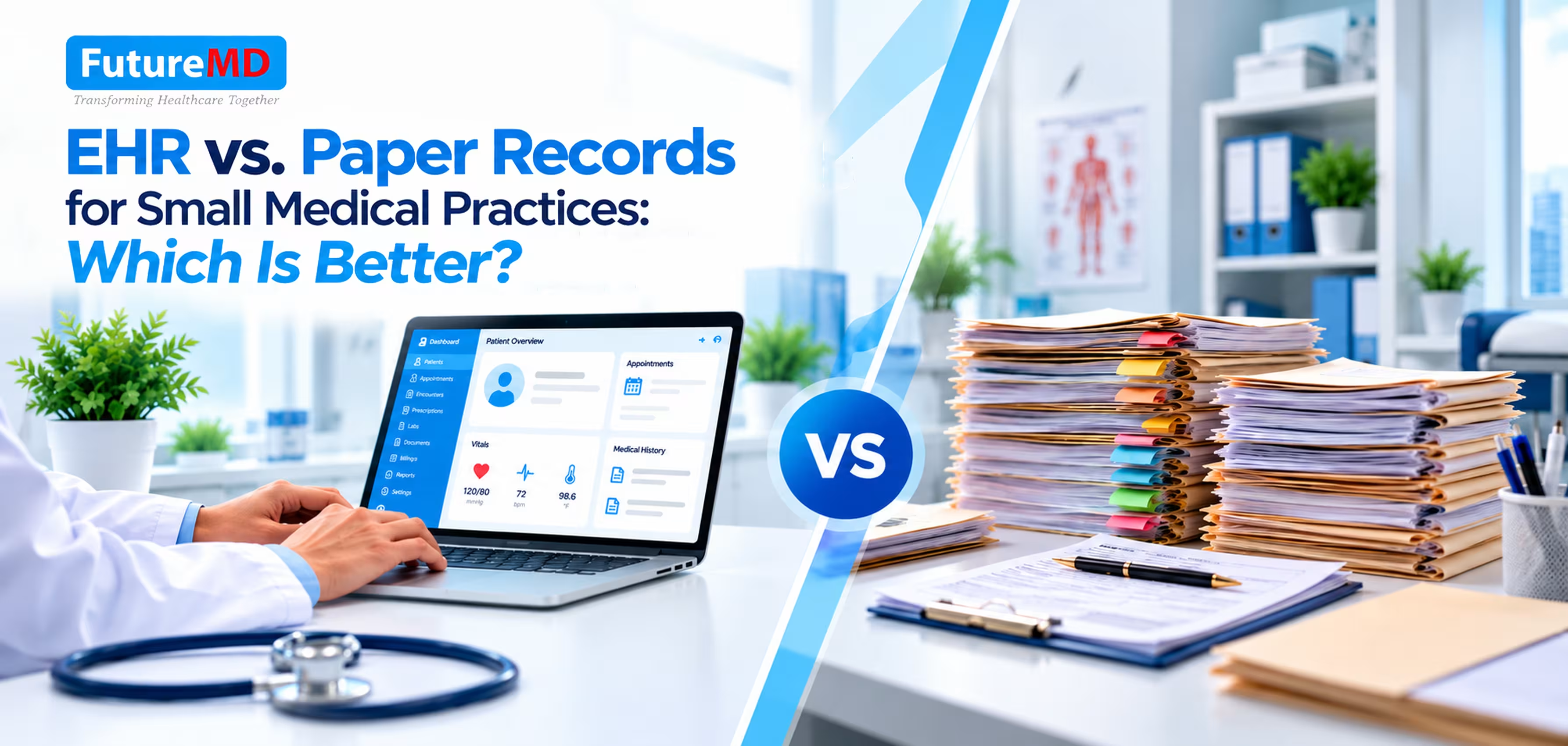
EHR vs. Paper Records for Small Medical Practices: Which Is Better?
Small medical practices need accurate patient records to support clinical decisions, maintain continuity of care, and manage daily operations. For years, paper-based medical records have been a familiar choice for physicians. But as patient volumes grow and healthcare administration becomes more complex, managing physical files can create challenges that affect both patient care and practice efficiency.
Electronic Health Records (EHRs) offer a digital alternative by bringing clinical documentation, patient histories, and connected workflows into one system. But is switching from paper records really worth it for a small practice?
Let's compare both approaches, examine the common problems with paper-based documentation, and see how FutureMD Solutions' talkEHR can help address these challenges.
What Are EHRs and Paper Medical Records?
Paper medical records are physical files containing a patient's medical history, examination findings, diagnoses, medications, laboratory reports, prescriptions, and treatment plans. Physicians and staff manually update these files and retrieve them whenever a patient returns for care.
Electronic Health Records (EHRs) store patient information digitally. Depending on the software, electronic medical records can support structured clinical documentation, searchable patient histories, electronic prescribing, laboratory connectivity, telehealth charting, and practice management workflows.
The main difference is that paper records depend on manual documentation and physical file management, whereas an electronic health records software can organize information digitally and connect clinical tasks within a single workflow.
What Problems Do Small Practices Face with Paper Records?
Paper records may seem simple to manage, but they can create administrative challenges as a medical practice grows.
1. Time-Consuming Documentation
Handwriting clinical notes and organizing paperwork take time, increasing the administrative workload and reducing the time available for patients.
2. Difficulty Finding Patient Information
Finding previous prescriptions, laboratory results, or medical histories can be slow, especially when files are misplaced or poorly organized.
3. Limited Workflow Coordination
Paper records require manual handling of appointments, lab reports, prescriptions, and billing documents, increasing the risk of delays and incomplete information.
4. Telehealth and Remote Access Challenges
Physical files are not readily accessible remotely, making it harder to review patient histories during virtual consultations.
5. Storage, Security, and Costs
Paper files require physical storage and careful handling to prevent loss, damage, or unauthorized access. Printing, filing, and record retrieval also add ongoing costs.
EHR vs. Paper Records For Small Medical Practices
FutureMD Solutions offers talkEHR, a cloud-based Electronic Health Record (EHR) platform powered by CareCloud and enhanced with AI-driven capabilities. It helps small medical practices manage patient charts, clinical documentation, telehealth visits, and connected laboratory workflows in one digital system.
Unlike paper-based records, talkEHR offers customizable templates, voice-assisted charting, and access to patient information through supported devices.
Let's compare paper records with talkEHR to understand how each approach handles the everyday needs of a small medical practice.
| Practice Requirement | Paper Records | FutureMD's talkEHR |
|---|---|---|
| Clinical charting | Handwritten or manually prepared notes | Customizable digital charting templates |
| Specialty workflows | Forms must be prepared and maintained manually | More than 70 customizable workflows, templates, and modules |
| Patient history | Staff locate and review physical files | Cloud-based patient charts accessible to authorized users |
| Clinical documentation | Primarily manual entry | Built-in medical voice recognition for dictation |
| Telehealth | Records must be accessed separately | Telehealth functionality integrated with patient charting |
| Laboratory management | Results may require manual filing | Connectivity with supported laboratories and imaging centers |
| Electronic prescribing | Paper prescriptions | ePrescribing within a supported pharmacy network |
| Reporting | Manual review and calculations | Digital reporting capabilities, depending on configuration |
| Billing administration | Documentation must be transferred or reviewed manually | Can connect clinical workflows with practice management software and RCM services |
| Initial investment | Usually lower technology costs | Software, implementation, training, and recurring fees |
EHR implementation costs may include software subscriptions, staff training, data migration, integrations, and ongoing technical support. Practices should evaluate these expenses against their operational needs and budget.
The key distinction is that EHR software combines clinical documentation with digital tools designed to support everyday practice workflows. Paper records can still meet basic documentation needs, but they require more manual coordination when a practice handles multiple connected activities.
How FutureMD's talkEHR Addresses These Challenges
The following features explain how talkEHR addresses common technology challenges for small medical practices and supports more efficient clinical documentation and everyday workflows.
a) Customizable Templates for Faster Charting
With more than 70 customizable specialty-specific workflows, templates, and modules, talkEHR allows practices to adapt documentation to their clinical requirements.
Instead of repeatedly preparing similar forms, clinicians can use appropriate templates and customize them for individual encounters. The built-in medical voice assistant also supports voice-based charting.
These tools can reduce repetitive data entry, although clinicians must review documentation for accuracy and completeness.
b) Cloud-Based Patient Charts
Paper records must be physically retrieved before their contents can be reviewed. talkEHR provides web-based access to patient charts from supported devices, subject to user permissions and security controls.
Electronic patient records allow authorized clinicians to review available medical histories and encounter notes without searching through physical files.
c) Integrated Telehealth Functionality
When virtual consultations are part of a practice's services, maintaining consistent documentation is essential. talkEHR supports charting during telehealth visits, allowing clinicians to document virtual encounters within the patient chart.
This can help maintain continuity between in-person and remote care while supporting appropriate documentation and billing workflows.
d) Connected Laboratory and Prescribing Workflows
talkEHR offers laboratory connectivity for ordering tests and sharing results, along with electronic prescribing within a supported pharmacy network.
Compared with manually handling paper orders and reports, connected workflows can reduce repetitive administrative steps. Availability depends on the relevant laboratory, pharmacy network, and integration configuration.
Effective EHR integration with supported laboratories, pharmacy networks, and practice management systems can reduce manual data handling and improve workflow coordination.
e) Practice Management and Revenue Cycle Support
Clinical documentation also affects the financial side of a medical practice. Missing information or inconsistencies between services provided and claims submitted can lead to billing delays and denials.
Integrating clinical documentation with medical billing software can help practices coordinate coding, claims submission, payment posting, and denial follow-up.
FutureMD complements talkEHR with revenue cycle management services, including claim submissions, payment posting and adjustments, denial management, claims follow-up, and access to an experienced billing team.
This combination can help practices coordinate clinical documentation and billing activities. It does not guarantee claim approval or reimbursement, which also depend on payer requirements, coding accuracy, and the quality of submitted claims.
Is talkEHR the Right Choice for Your Small Medical Practice?
An EHR for small medical practices can be useful when growing administrative workloads, difficulty retrieving records, or disconnected clinical and billing processes begin affecting daily operations.
FutureMD's talkEHR is worth considering if your practice needs customizable clinical charting, cloud-based patient charts, dictation, telehealth support, laboratory connectivity, electronic prescribing, and access to related revenue cycle management services.
Before adopting any EHR, assess data migration, staff training, privacy safeguards, system availability, integration requirements, and ongoing costs. A demonstration can help determine whether the software fits your specialty and daily clinical workflow.
Make the Shift from Paper Records to Digital Clinical Workflows
For small practices, the difference is clear: paper records often require separate manual processes for documentation, information access, and billing, while talkEHR brings these workflows together in one clinically intuitive platform. A well-implemented electronic medical records software does carry a learning curve, which is why guided setup and support matter.
Ready to see the difference? Contact FutureMD Solutions for a demo or a free revenue cycle assessment.
Frequently Asked Questions (FAQs)
1. What is the main difference between EHR and paper records?
Paper records store patient information in physical files, while electronic health records software organizes clinical data digitally for easier access and documentation.
2. Is EHR software better than paper records for small practices?
EHR software can improve documentation efficiency, patient information access, and workflow coordination, particularly as a practice grows.
3. How does talkEHR help small medical practices?
FutureMD's talkEHR offers customizable charting templates, cloud-based patient charts, voice-assisted documentation, telehealth support, and laboratory connectivity.
4. Can talkEHR help reduce administrative workload?
Its digital templates, dictation tools, and connected workflows can reduce repetitive manual tasks, depending on how the practice uses the system.
5. Does talkEHR support medical billing?
FutureMD offers revenue cycle management services that include claims submission, payment posting, denial management, and claims follow-up.
6. Is switching from paper records to an EHR difficult?
The transition requires staff training, data migration, and workflow adjustments. Guided setup and proper planning can make the process more manageable.
This article provides general information about healthcare documentation software and is not medical, legal, or regulatory advice. Practices should independently verify software capabilities, security arrangements, and applicable compliance requirements.
Sources and Further Reading
The following resources provide additional information about electronic health records, health information exchange, patient information security, and FutureMD Solutions’ talkEHR platform.
-
Understanding Electronic Health Records, the HIPAA Security Rule, and Cybersecurity – CMS/HHS
Official guidance on EHR security, cybersecurity, and protecting electronic patient information. -
Getting Started with Health Information Exchange – HealthIT.gov
Explains health information exchange and highlights questions healthcare practices should ask vendors about interoperability, privacy, security, and related costs. -
Summary of the HIPAA Security Rule – HHS
Outlines safeguards for protecting electronic protected health information, including administrative, physical, and technical security measures. -
FutureMD Solutions – Pricing Plans and talkEHR Features
Review FutureMD’s published talkEHR plans, included features, and pricing to assess whether the platform meets your practice’s needs.
Note: Software features, pricing, integrations, and security arrangements may vary by plan and configuration. Confirm the current details directly with FutureMD Solutions before making an implementation decision.